T-Shirt Mockups
How to Create Free T-Shirt Mockups Online in 2026
A step-by-step guide to making professional t-shirt mockups without Photoshop. Cover different styles, sizes, and workflow tips for Etsy sellers and print-on-demand businesses.
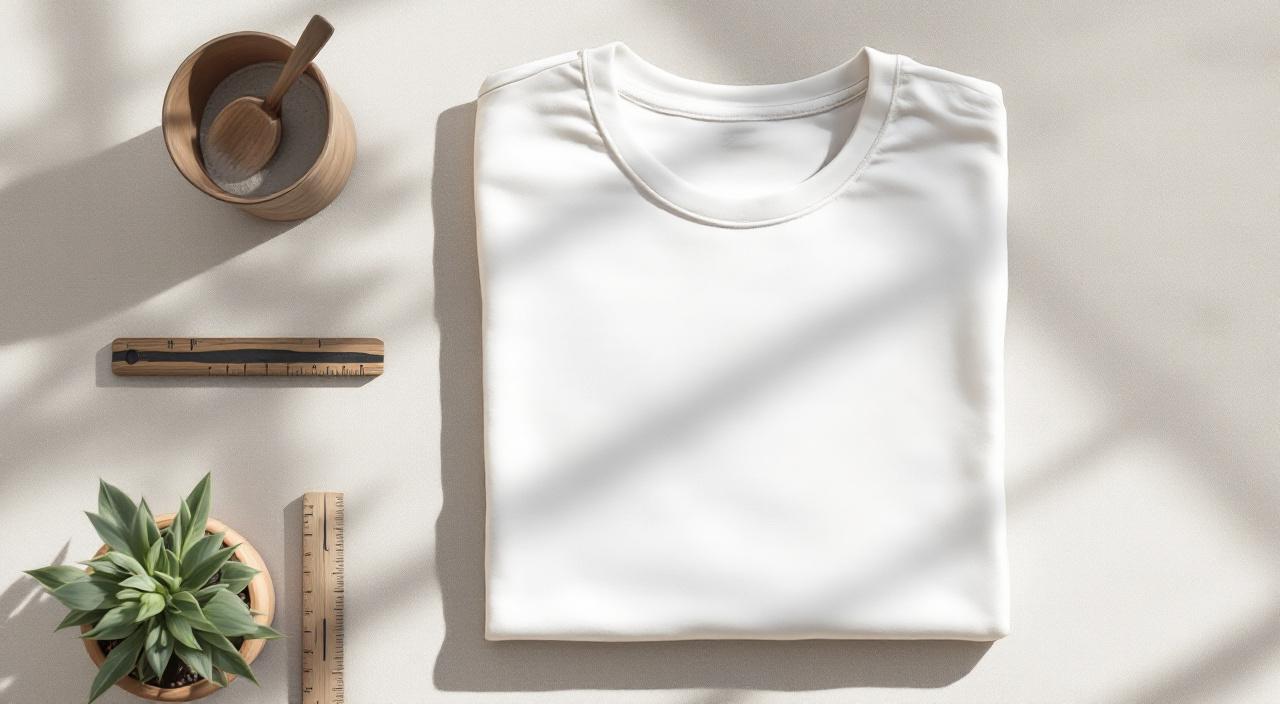
If you're selling t-shirts online — whether on Etsy, Printful, Redbubble, or your own Shopify store — your product photos are doing more work than you think. A listing with sharp, realistic mockups can out-sell an identical design with a flat PNG by a huge margin. Buyers don't want to imagine what the shirt looks like. They want to see it.
Ten years ago, creating a good t-shirt mockup meant Photoshop skills, a pile of PSD files from Creative Market, and an afternoon of work per design. In 2026 it takes about a minute. This guide walks through exactly how to do it, the mistakes to avoid, and the tools that make bulk listings a non-issue.
Why mockups matter more than they used to
Marketplaces like Etsy, Amazon Merch, and Redbubble are crowded. When a buyer searches "funny cat shirt," they get thousands of results. The decisions about which listing to click happen in under a second, and that decision is made almost entirely on the thumbnail.
A few things increase click-through rate that a mockup controls directly:
- The shirt is on a model or hanger (easier to imagine wearing)
- The lighting looks natural (not flat or harshly lit)
- The design fits the shirt realistically (right size, right proportions, follows the fabric folds)
- The colour is representative (buyers return products when the actual colour doesn't match the photo)
You don't need to be a professional photographer to hit these. You just need decent mockup templates and a workflow that doesn't eat your afternoon.
The three types of t-shirt mockups
Flat lay. The shirt is laid flat, shot from directly above. Minimal props, often on a plain background or wood surface. Fast, versatile, and works for any design.
Lifestyle. The shirt is on a person. Could be a styled studio shot or a casual in-situ photo. Higher perceived value, feels more premium, but requires you to match your audience to the model.
Ghost mannequin / hanging. The shirt is shaped like a body but without a person visible. Shows the cut and drape without the distraction of a model. Popular for gender-neutral listings.
For most sellers, a mix of 2-3 lifestyle shots and 1-2 flat lays per listing is the sweet spot.
Step by step: making a t-shirt mockup in MockupBulk
This works whether you have one design or a hundred.
1. Upload your design. PNG with a transparent background is best. JPG works, but the mockup will show your design's background colour around the edges. SVG is also supported.
2. Pick a t-shirt template. In MockupBulk's gallery, filter by product type = "t-shirt" and pick the colour, angle, and style that fits your listing. There are flat lays, models, hangers, and lifestyle shots — hundreds of each in different colours.
3. Choose a placement preset. The left-hand Placement panel has presets: Full Wrap (covers the whole shirt — good for all-over patterns), Large (big chest print), Medium (standard logo size), Small (pocket print), XS (small accent mark). Pick whichever matches your style.
4. Choose a fit mode. If your design is a single graphic, use Cover (fills the area, may crop slightly at edges). If your design is a seamless pattern, use Tile (repeats across the shirt). Stretch resizes exactly — skip this one unless distortion is acceptable.
5. Generate. You'll get a high-resolution PNG or JPG in under 10 seconds. For bulk jobs, pick multiple templates and multiple designs and let it batch.
That's it. A single listing's worth of photos done in maybe 90 seconds once you're familiar with it.
What to avoid
- Don't use the same template across every listing. Etsy and Amazon both down-rank listings that look algorithmically generated. Rotate through 5-10 templates for variety.
- Don't over-edit the mockup. If you brighten, vignette, and saturate too aggressively, buyers will notice when the real shirt arrives and feel misled. Keep the mockup honest.
- Don't use the largest preset by default. "Full Wrap" is great for all-over prints but looks weird for a simple logo. Medium is usually right for graphic tees.
- Don't neglect colour variants. If your shirt comes in 5 colours, your listing should have mockups in all 5. MockupBulk lets you select all colour variants at once and generate them in a single bulk run.
Mockup sizes for each platform
Each marketplace has different recommended image specs. Getting this right helps your listing rank and look sharp on mobile.
- Etsy: 2000 × 2000px, JPG, under 1MB per image
- Shopify: 2048 × 2048px, JPG or WebP
- Amazon Merch / KDP: 2000 × 2000px, pure white background for the main image
- Redbubble: 2400 × 3200px, JPG
- Printful / Printify: use their built-in mockup generator for internal listings; use your own for advertising
MockupBulk exports at the source template's resolution — usually 3000px or higher — so you can resize down for each platform without quality loss.
Design tips that improve the final mockup
A mockup only looks as good as the design you feed it. A few things that make a huge difference:
- Use transparent PNGs. If your design has a white background, it'll show as a white rectangle around the print. Remove it.
- 300 DPI, minimum. If your design is 72 DPI, it'll look blocky when blown up for a large-chest print.
- Leave a 50-100px safe area around the edges of your design. When it's stretched onto a shirt, the edges can distort slightly.
- Check your colours at small sizes. What looks bold on a 4000px canvas can look muddy at thumbnail size.
When you have more than one design
If you're running a POD shop and dropping 20 designs a month, the manual mockup workflow breaks down fast. That's where bulk generation saves entire days.
MockupBulk was built for exactly this case. Upload 50 designs, pick 10 templates, hit generate, and 20 minutes later you have 500 mockups ready to upload. You set the placement once, the engine applies it consistently. No repetitive clicking.
Final word
A good mockup isn't about tricking buyers. It's about letting them see what they're actually getting. Flat PNG previews under-sell your work. Realistic, consistent mockups let the design do the selling.
If you've never tried bulk mockup generation, start with a small batch — maybe 10 designs across 3 templates. You'll see the time difference immediately, and your listings will start looking like a coordinated brand instead of 50 one-offs.
Ready to create your own mockups?
Try MockupBulk free — generate 3 mockups per month, no credit card needed.
Start free