T-Shirt Mockups
Bulk T-Shirt Mockups: Generate 200 Listings in an Afternoon
Bulk T-Shirt Mockups: Generate 200 Listings in an Afternoon. A practical guide for print-on-demand sellers — what tends to work in 2026 and how to fit it into your workflow.
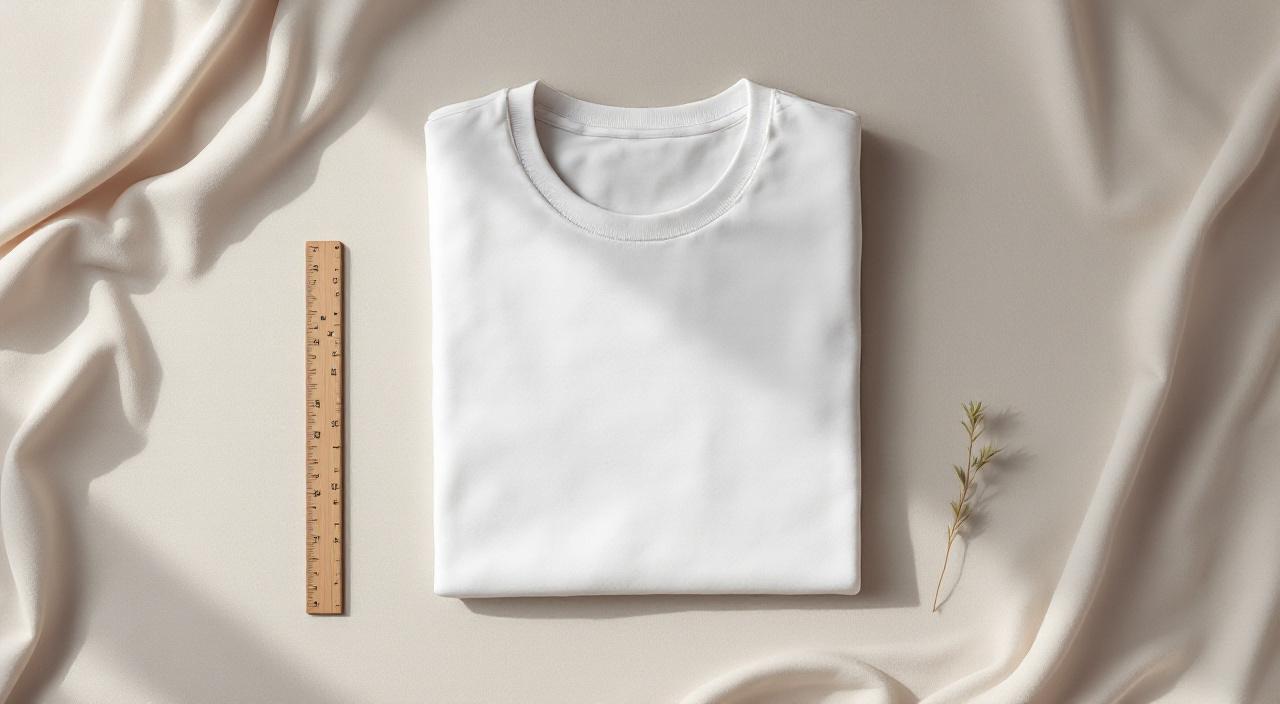
Let's dig into bulk t-shirt mockups properly. Just what works when you're trying to launch products and get them in front of buyers.
Why mockups are the hidden conversion lever
When you're moving real volume — fifty designs a month, multiple platforms, dozens of colour variants — the way you handle apparel stops being a creative decision and starts being an operational one. The sellers who scale aren't the ones with the prettiest mockups. They're the ones who can produce consistent, real-looking mockups at speed without burning out. Bulk t-shirt mockups sits right at the intersection of those two.
The reason most sellers underestimate it is because the first ten or twenty mockups feel manageable. You make them in Photoshop, you tweak them, you upload. Easy. The wheels come off when you try to scale: suddenly you need the same product in 15 colours, three angles, two backgrounds, and you're looking at hundreds of files for a single design. The brand-consistent ones win.
There's a second reason too — buyers can usually tell when a mockup looks generic, even if they couldn't say why. A mockup where the print sits naturally on the product (right scale, right curvature, lighting that matches the rest of the photo) reads as a thoughtful shop. A flat, misaligned, badly-lit one reads as a side hustle. The same design can convert very differently depending on which side of that line your mockups land.
How to actually do this without burning a weekend
Here's the workflow that actually scales for shirts:
- Settle on your mockup style first. Lifestyle scene, flat lay, on-model, white background — pick one or two and stick to them across the whole catalogue. Inconsistent style is the fastest way to look like a dropshipper.
- Build your mockup library before you launch. Spend a day picking the 5-10 templates you'll reuse for everything. Save the configurations. From then on, every new design just slots in.
- Generate in batches, not one-by-one. This is where bulk tools like MockupBulk earn their keep. Upload all your designs, pick your templates, walk away. You're done in minutes instead of an afternoon.
- Name your files like a database, not a sketchbook.
design-name_product_colour_angle.jpg. When you've got 500 mockups in a ZIP file you'll thank yourself. - Check the first three before you publish. Always. Auto-generated doesn't mean unsupervised — a five-minute QA pass catches the one mockup where the alignment slipped.
The whole thing should take under an hour for a 50-design drop, not the 10-15 hours most new sellers spend.
Common mistakes to avoid
A few things we see often:
- Skipping a quality check on bulk batches. When you generate fifty at a time it's tempting to upload the lot. Five-minute spot check catches the one with the misaligned print before it goes live.
- Never refreshing the library. Mockup styles date. The flat-lay-on-marble look that worked in 2022 reads as a stock template now. Audit your library every six months or so.
- Inconsistent lighting between products. Buyers scroll your shop top-to-bottom. If your mug mockup is bright daylight and your tee mockup is moody studio, the brand falls apart. Pick a lighting style and stick to it.
- Overcrowding the scene. A mockup is a product photo, not a still life. Plants, candles, coffee cups everywhere — the design gets lost. Less furniture, more product.
- Forgetting about mobile. A lot of marketplace traffic is on phones. If your mockup detail isn't readable at small sizes, half your audience never sees it.
The bottom line
Bulk t-shirt mockups isn't glamorous, but it's where the actual money lives in print-on-demand. The sellers who treat it like a system — pick a style, build a library, batch-generate, QA — outproduce the ones who treat each listing as an artwork.
If you're at the stage where mockups are the bottleneck stopping you from launching faster, give MockupBulk a try. 100% free to start, $14.99/mo unlimited if you upgrade, and we never charge per render. We built it because we got tired of doing this manually ourselves.
If you've got a product we don't cover yet — or your blanks supplier isn't in the library — drop us a line at hello@mockupbulk.com and we'll usually have it added within 24 hours.
Built by a Nikon Walkley-winning photographer with 25 years behind a camera. We make mockup tools because we use them ourselves every day.
Ready to create your own mockups?
Try MockupBulk free — generate 3 mockups per month, no credit card needed.
Start free